
Product
Stream Deck: the operator console for the SDIS video wall
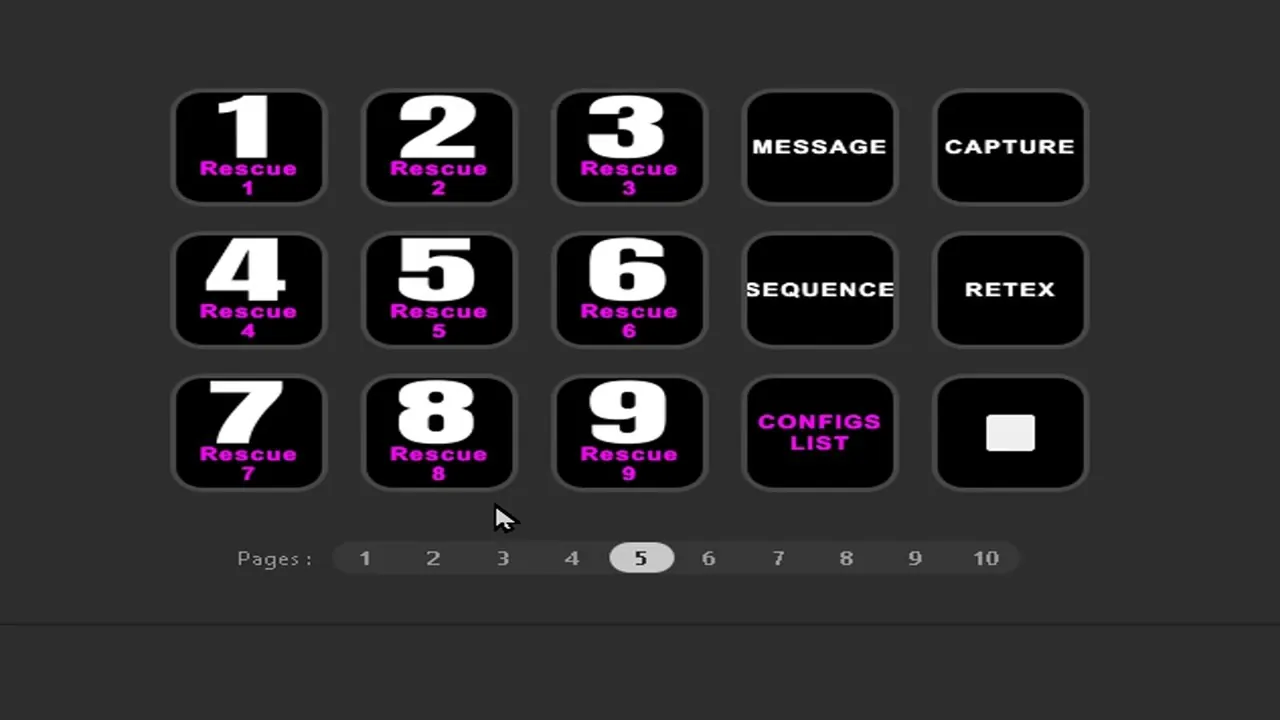
No more constraints from tablets and smartphones for the physical control of the video wall. Our users spoke up, and we listened. For physical control, the Stream Deck stood out as the ideal solution to meet their needs in the command centre.

A touch console designed for SDIS operators
Unlike traditional control desks, the Stream Deck offers a tactile and personalised experience. The operator reaches the most important commands without any complicated handling, with a single press of a lit key. It is also far more affordable and easy to customise, which makes it accessible to every service.
Faced with the sharp rise in its use with our software within the CTA and COD (dispatch and operations centres), we are preparing a major update. With Easy Multi Display, the Stream Deck becomes the best ally to drive display configurations according to precise scenarios.
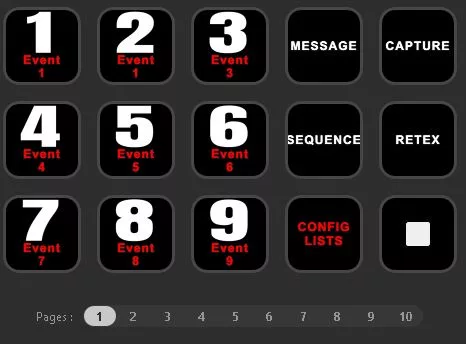

Scenarios and broadcast lists in a single click
The keyboard shortcuts of our EMDRC software remote control (video wall control in one click) are mapped to the default configuration file of the 15-key Stream Deck.
The LISTS key lets you choose the list suited to the operation, previously configured in the remote control: Event (F1), Fire (F2), Accident (F3), Emergency (F4), Rescue (F5), Animals (F6), Nuclear (F7), Chemical (F8), Tsunami (F9) and Storm (F10).

Keys 1 to 9 launch the display of the scenarios previously configured in EMD, soon compatible with our latest Drag & Drop module. Key 0 triggers an immediate STOP. Each scenario depends on the list selected beforehand.


Debrief, messages and broadcasting from the same console
The DEBRIEF key broadcasts locally or over the internet and records the audio and video of the video wall: Shift + R to start, Shift + S to stop. The MESSAGE key triggers the display of your messages on the other media configured in EMD, via the Ctrl + 1 to Ctrl + 7 shortcuts.


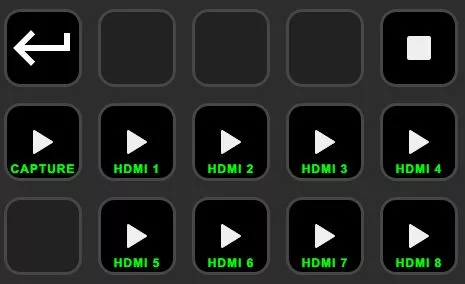
The Stream Deck does not replace our other control tools: it complements them. You keep the ability to take control of your walls from an iPhone or an Android, depending on the context of the operation.
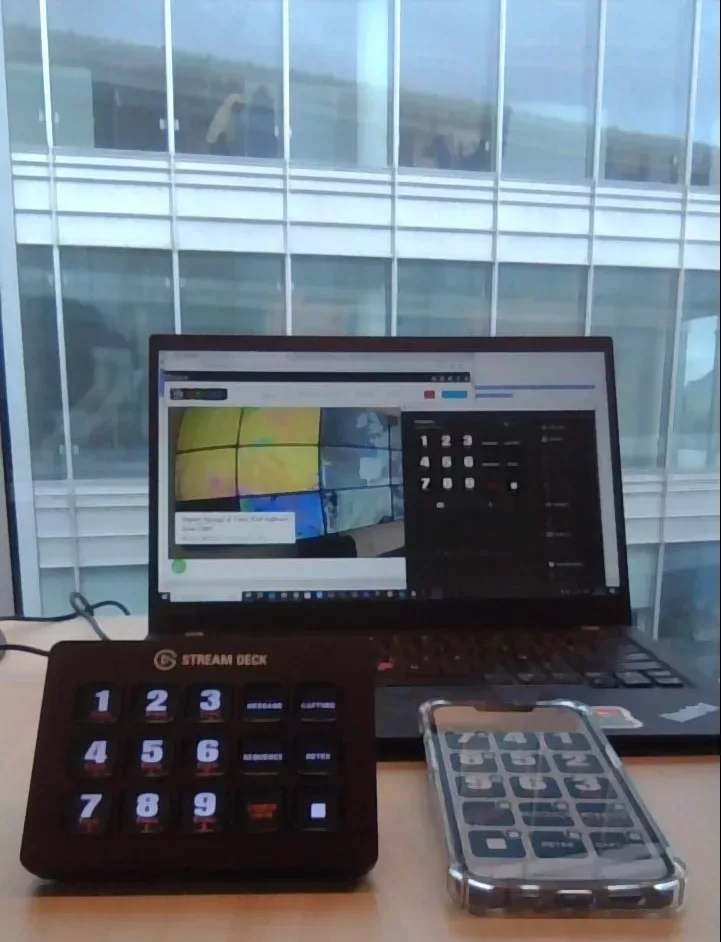
Discover our firefighter and SDIS solution and our turnkey ranges to equip your command centre.