
Drag & Drop
How to broadcast on multiple screens using the existing RJ45 network?
Reuse the network cabling to carry video
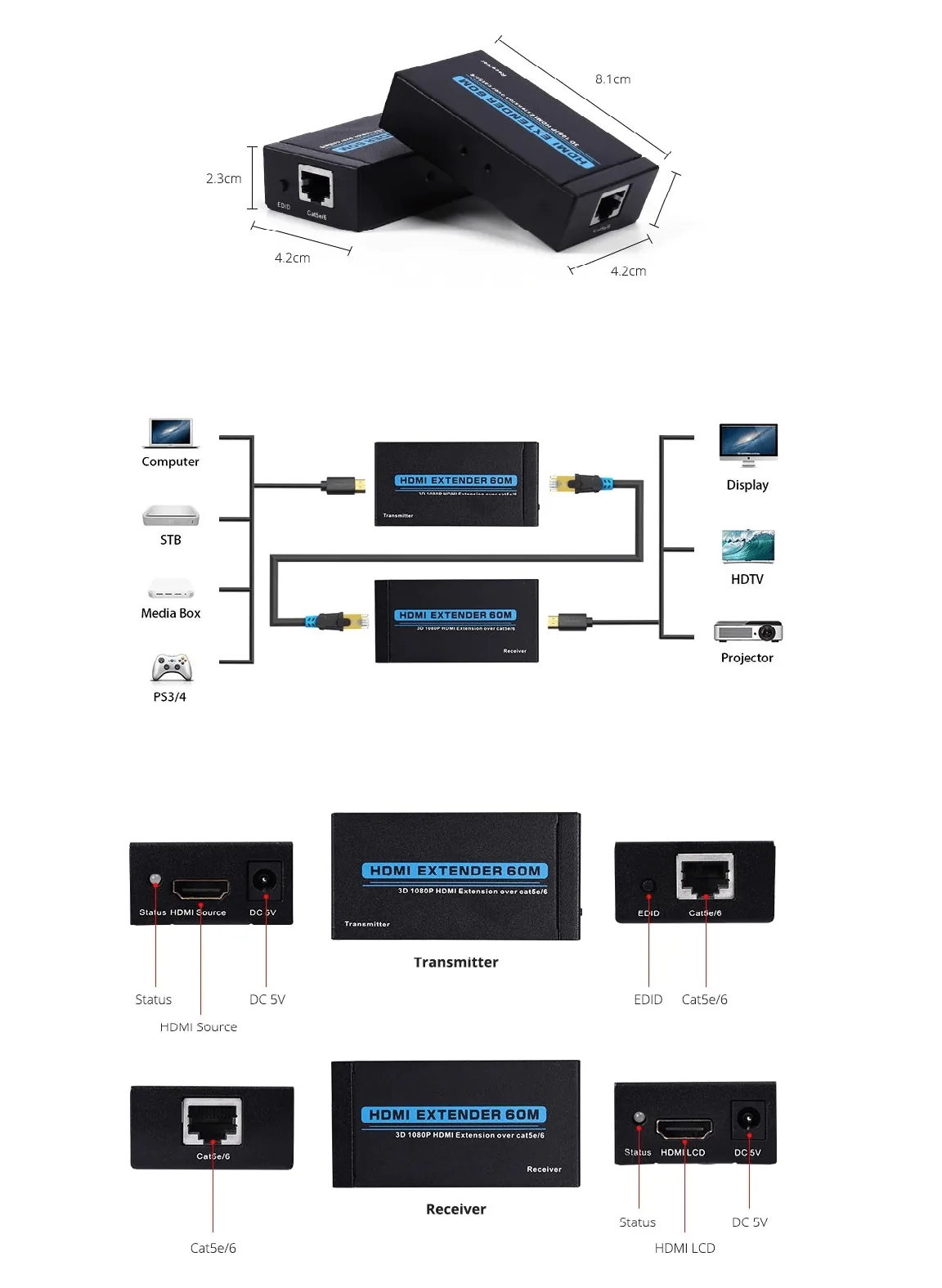
You already have an RJ45 Ethernet network in your premises and you want to display your sources on several screens, sometimes far from the main station. Good news: there is no need to run new HDMI cables over long distances. You can rely on your existing network infrastructure to carry the video signal to the screens.
The method is simple and relies on proven hardware, with no subscription or cloud.
The hardware required: HDMI to RJ45 converters
The principle is to use HDMI to RJ45 converters (around 20 euros a pair). We have been testing them for several years and they deliver reliable results on already installed Ethernet networks.
A converter consists of two boxes:
- a transmitter, connected to the HDMI source (the PC running Easy Multi Display, for example)
- a receiver, connected to the remote screen
The two boxes are linked together by a simple RJ45 cable, the one from your existing network. The video signal thus travels to the screen, even several dozen metres from the control station.
Compatible sources
This solution works with a wide variety of devices delivering an HDMI signal:
- computers
- multimedia boxes and set-top boxes (STB)
- game consoles (PS3, PS4)
- any standard HDMI connection
- video projectors
A single PC to drive up to 6 screens
The Easy Multi Display software manages up to 6 screens from a single computer. Combined with HDMI to RJ45 converters, you get a video wall spread across your premises, controlled from a single station, with no subscription and no dependency on an online service.
You thus keep full control of your installation, while reusing as much as possible the hardware and cabling already in place.
Need help with your configuration?
A detailed wiring diagram and the user guide are available for download. For any question about your installation, contact our support: support@easymultidisplay.com.