
Drag & Drop
Is a mini PC required with the OneScreen license?
Is a mini PC essential for the OneScreen license?
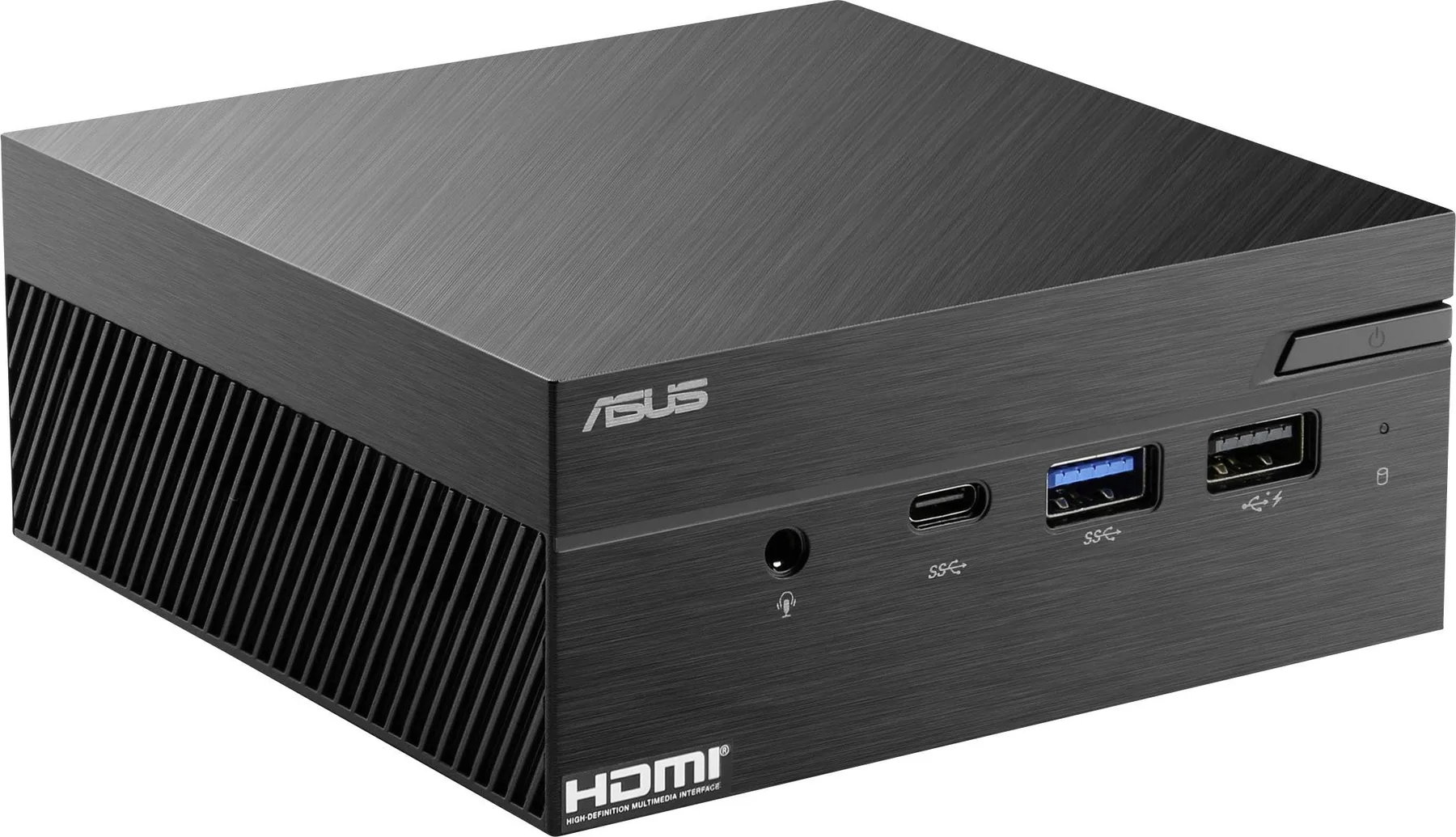
Do you want to use Easy Multi Display but you are not sure whether your current computer is suitable? Are you wondering whether a mini PC is required with the OneScreen license?
The answer is no: a mini PC is not required. You can perfectly well use your own computer, provided that it is powerful enough to run Easy Multi Display. You will also need a computer fitted with a DVI or HDMI video output to connect it to your TV or your screen.
What is a mini PC?
A mini PC is quite simply a standard computer, but in a compact version that only includes the essentials.
It is a small computer that integrates a graphics card, random access memory (RAM), a hard drive and the necessary connectors. It is an affordable solution for users who are looking for the basic functions suited to the OneScreen version of Easy Multi Display.
The advantages of a mini PC
A mini PC has many strengths, both for individuals and for businesses:
- Very easy to use
- Easy to carry
- Very quiet, because these small computers have no fan, or only a very low-power fan
- Minimal power consumption (often on the order of just 15 watts)
- A price that is much more affordable than a laptop or a desktop tower
The drawbacks of a mini PC
Like any compact solution, the mini PC also has its limits:
- The power of the processor and of the power supply is often lower than that of a desktop computer
- Some demanding software will not be able to run, because the power of a mini PC remains limited
- It is almost impossible to upgrade or improve the components of a mini PC
In summary
Use the computer that best matches your needs. The mini PC is an interesting and perfectly viable option for the OneScreen license, but it is by no means required: a computer you already own will do the job very well, as long as it has sufficient specifications and an HDMI or DVI output.