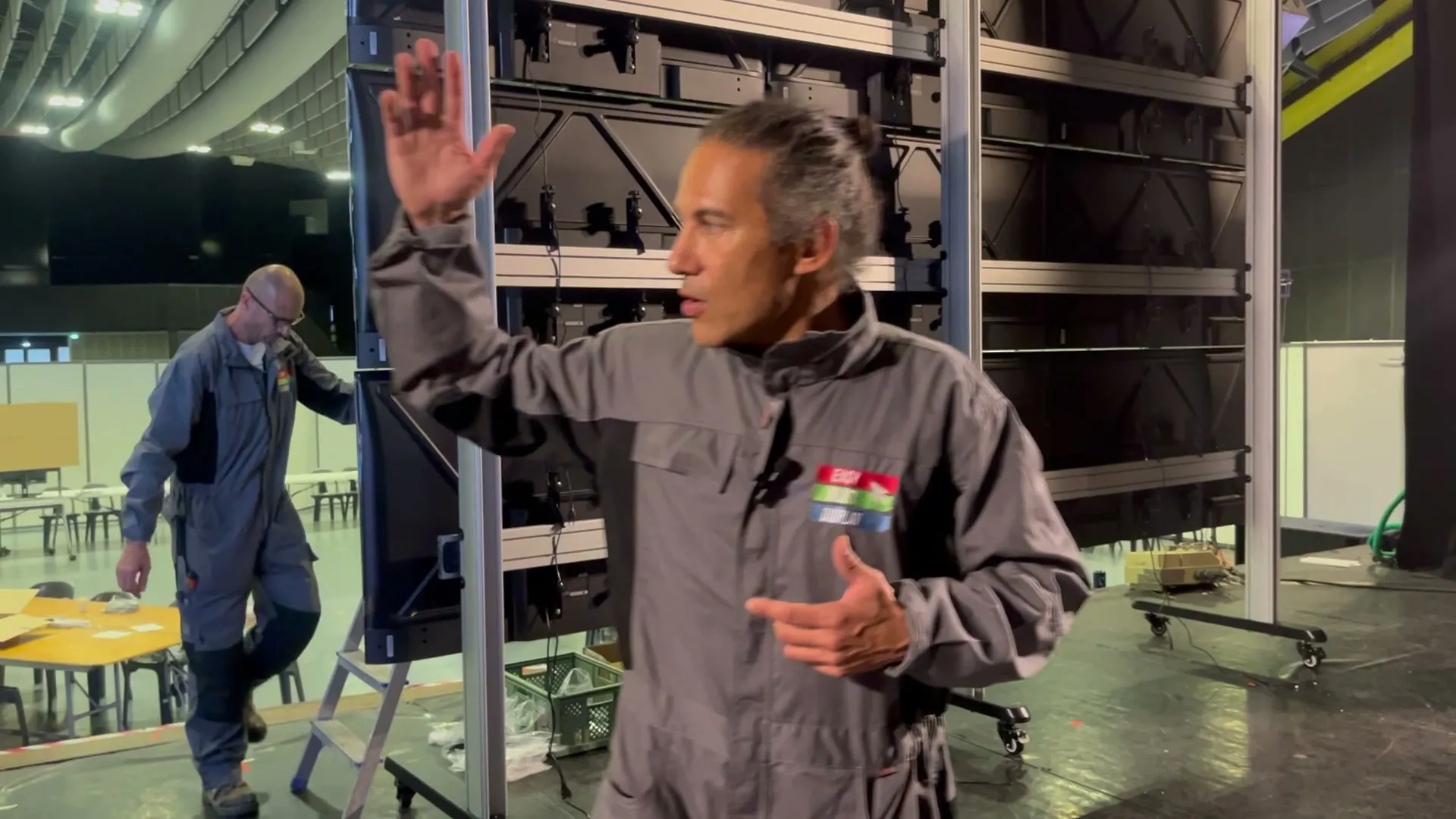
Two walls of 9 screens
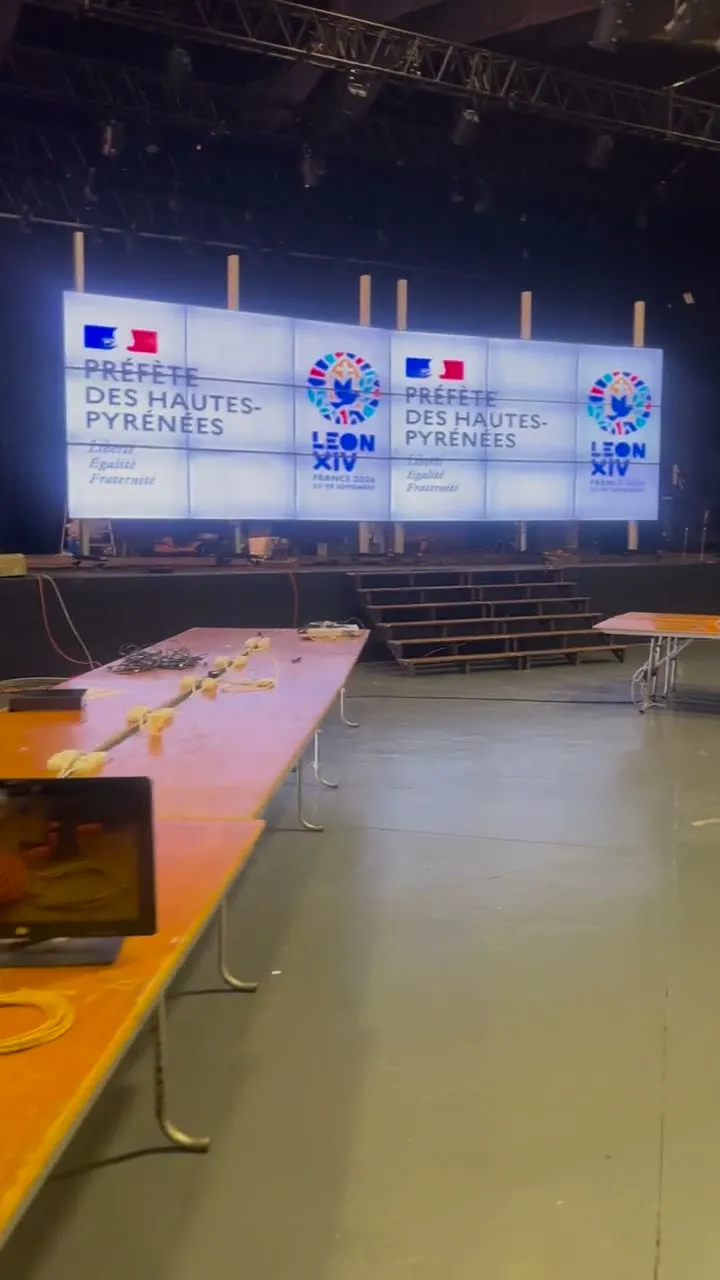
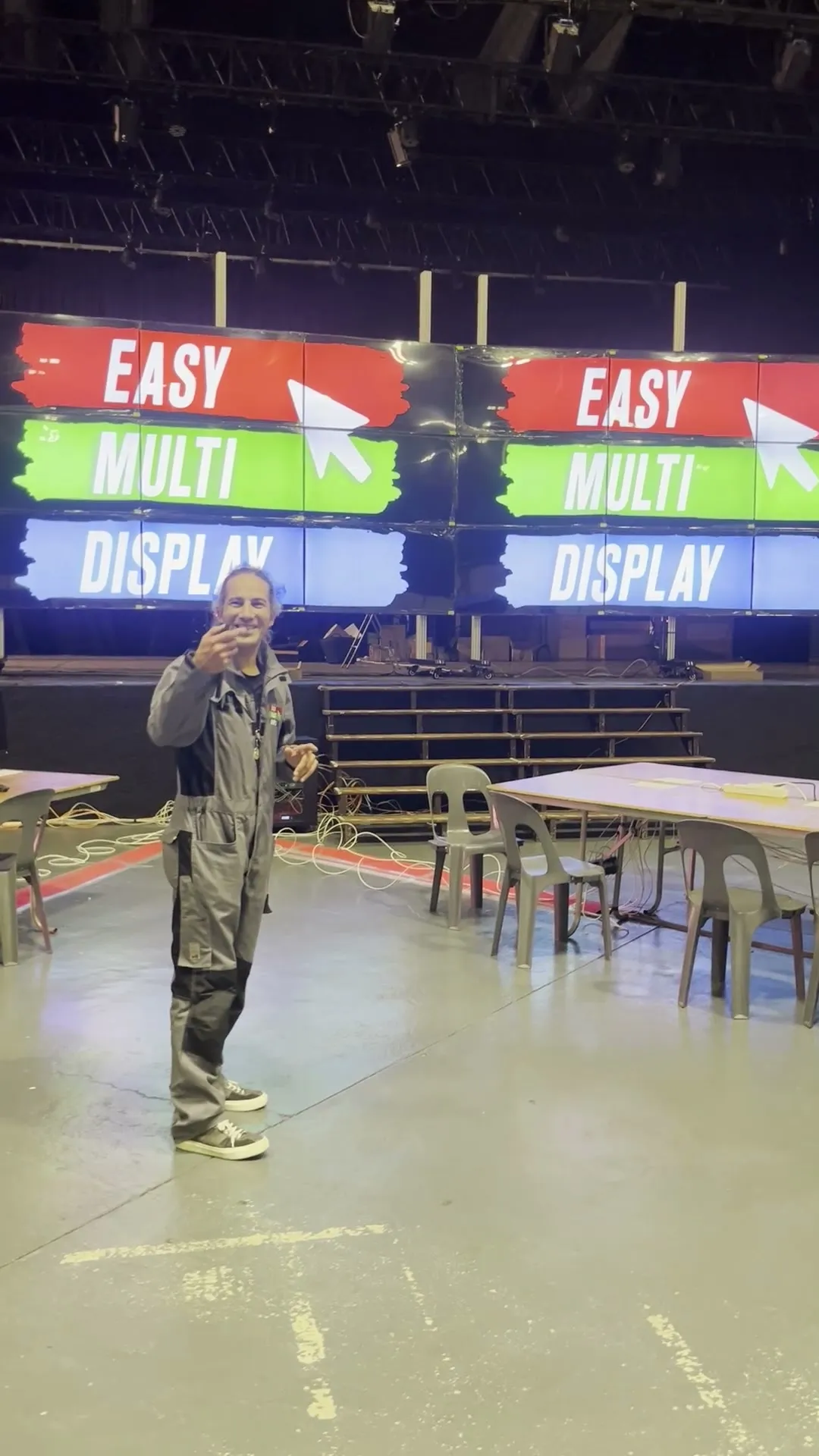
More than 20 m² of display between the two, nearly 9 metres wide, divided into zones by entity. 65-inch televisions linked over HDMI, with no network connection at all.

Case study · Temporary control room
For Pope Leo XIV's visit, on 26 and 27 September 2026, the prefecture of Hautes-Pyrénées (the State's local authority in the département) brought its services together in a control room set up for the occasion. We designed and built its video walls, then ran them day and night. Here is everything we deployed, and what we take from it.
The event
The Pope is the head of the Catholic Church, and also a head of state. Leo XIV is only the third Pope to come to Lourdes. A visit like this mobilises the security and emergency services of an entire State.
370 firefighters, 280 first-aiders from the Red Cross and the Order of Malta, 50 healthcare staff from the SAMU (French emergency medical service). Sources, opened in a new tab: the rescue services' review (France 3 Occitanie) and the security operation (France 3 Occitanie).
The prefecture sums it up in one sentence: the visit “took place in good conditions and without any major incident”. Behind an operation like this, a room was needed where the services see each other, talk to each other and decide together. About a hundred people, in the rooms, followed the video walls throughout those 48 hours.
The photos show only part of it. The room was very large, and many other services worked behind the panels.
The story
Here is the operation as we lived it, from the first plan to the last cable folded away.
Early September
Everything starts with a plan. The authorities approve the layout of the walls: each entity will have its zone, in an agreed place. We write it into the software exactly as it is.
From then on, no more improvising. What will be displayed on the day is decided, zone by zone, almost three weeks ahead.
The following two weeks
The test workstation runs non-stop. Whole days, and nights. Twelve computers displayed at once, scenario changes in series, sources unplugged and plugged back in.
The tests bring out defects. We fix them one by one. 178 changes later, the version is frozen: the software will not change again.
The build
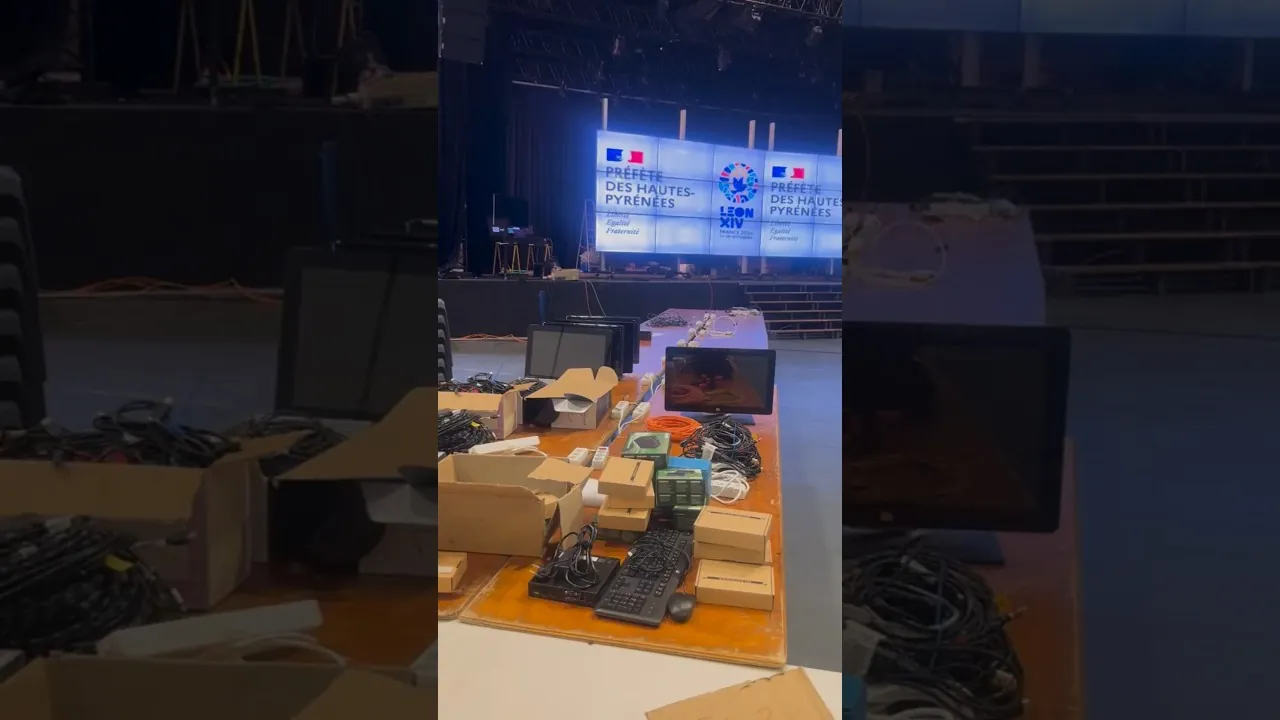
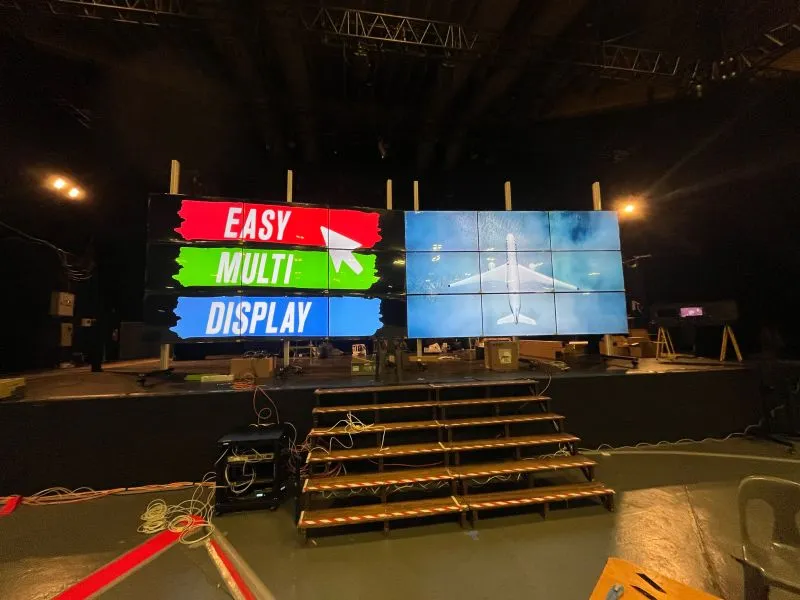
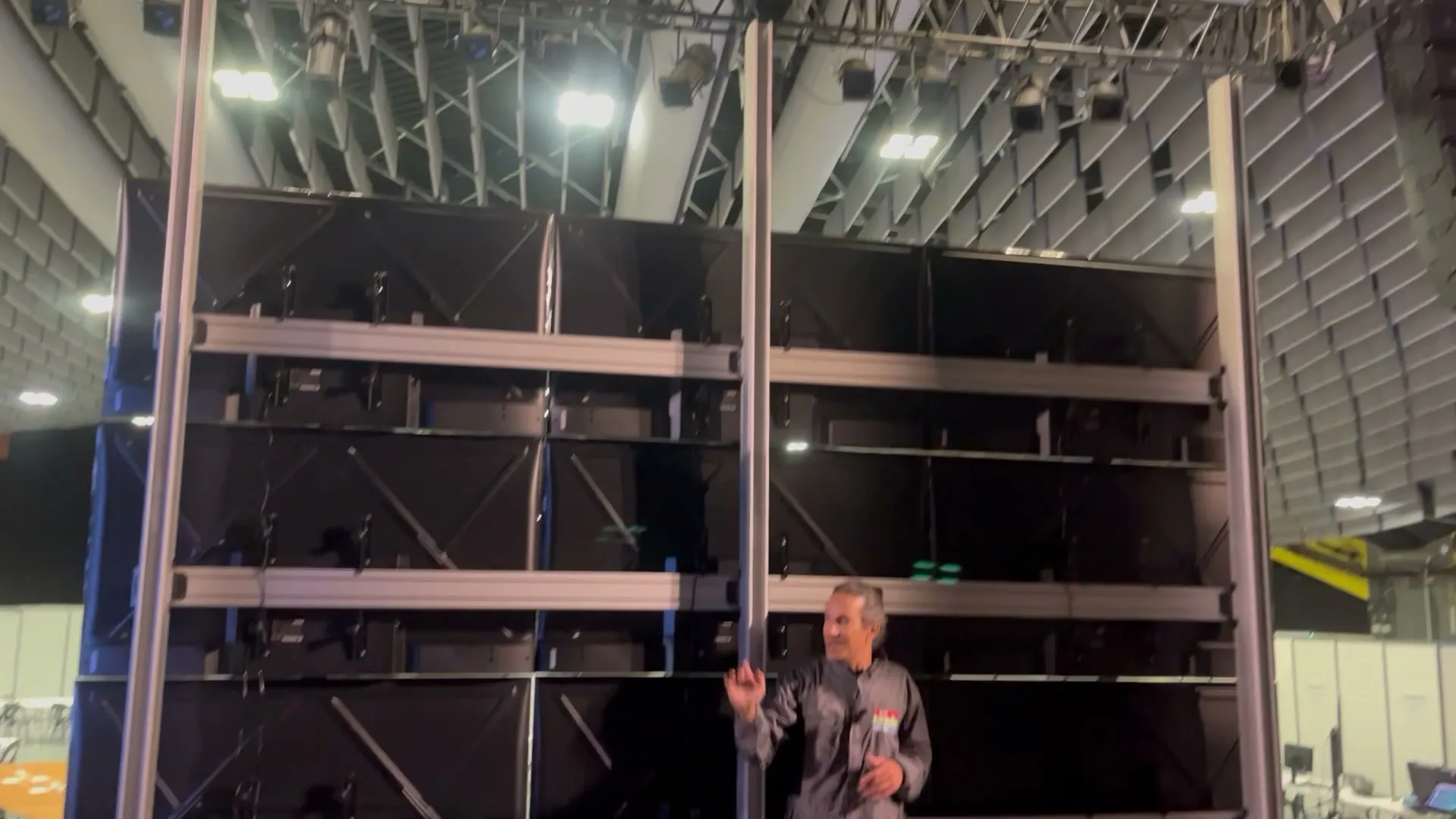
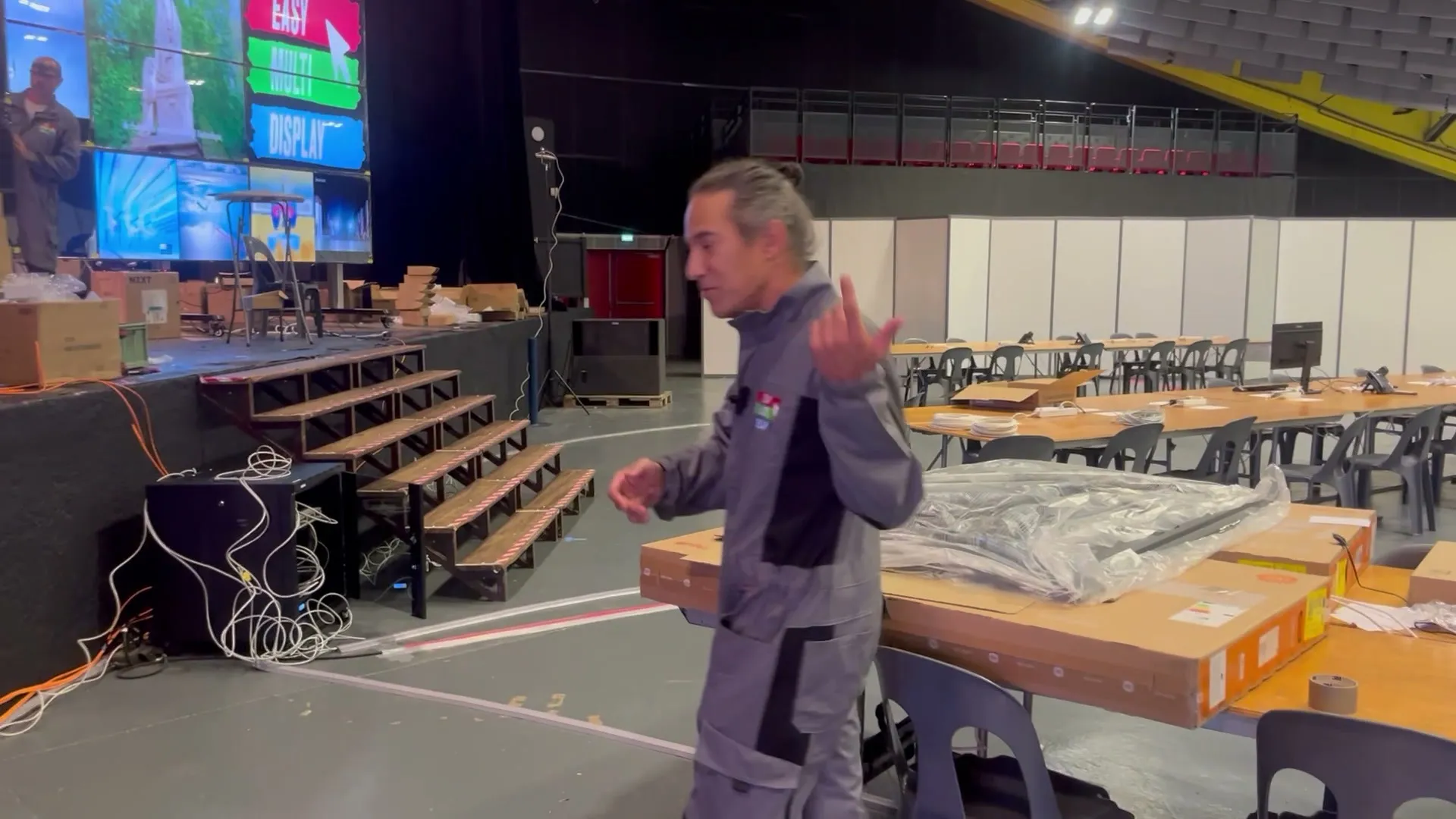
A large hall, a stage, and everything to build. The structures arrive on castors: 3.80 metres high, about 125 kg of structure, and about a hundred kilos of screens to hang on it. Eighteen televisions to align to the millimetre.
In theory, it needed four days. Two days after we arrive, everything is cabled, aligned, and driven by touch.
Friday 25 September
Back on site. We check the complete chain in real conditions: one workstation, the room's network, screen sharing, the picture on the wall. The backups are there, ready.
Tomorrow morning, the room opens.
Saturday 26 September
About a hundred people take their places. The prefecture, Sécurité civile, the SAMU, the fire and rescue service, the police, the Gendarmerie, the army. Women and men who are serious, focused, committed.
We had been asked for 8 captures, that is, 8 computers to display on the walls. More are needed: every service that sees the wall wants to bring its own picture. We will end up at 18.
At 19:05, the Pope's plane lands at Tarbes-Lourdes-Pyrénées airport. At 19:40, he prays at the Massabielle grotto. On the wall, the first countdown has just reached zero.
Sunday 27 September
At 09:00, the meeting with the bishops. At 11:00, Mass on the Sanctuary Prairie. In the afternoon, the meetings with the sick and with the nuns. At 21:00, the torchlight procession. Over the weekend, about 200,000 people have come.
In the room, the work does not stop. A cable unplugged here, a window to reposition there, a screen to extend so as to show only what should be shown. We run from one workstation to the next. It takes patience, and a great deal of it.
We are two, in relays. When one sleeps, the other watches over the walls.
Night of 27 to 28
Since opening, one zone of the wall shows a countdown before each stage of the programme. Tonight, it announces the last one. Three lines: “Départ du pape” (“Pope's departure”), a countdown in large red figures, and the target time. 07:40.
At 04:51, 2 hours, 48 minutes and 50 seconds remain. Every thirty minutes, we record the state of the machine. No crash.
Monday 28 September, morning
The convoy sets off. Our eyes are glued to the walls. The pictures relay each other: the sanctuary cameras, the municipal police, the Police nationale, the Gendarmerie. A Gendarmerie colonel, like a conductor, guides us to bring the services' pictures together in the same view.
The decision-makers are gathered. A finger points at a detail. They discuss, they decide. The convoy reaches the airport.
Operation complete. The Pope has left Lourdes.
Monday 28 September
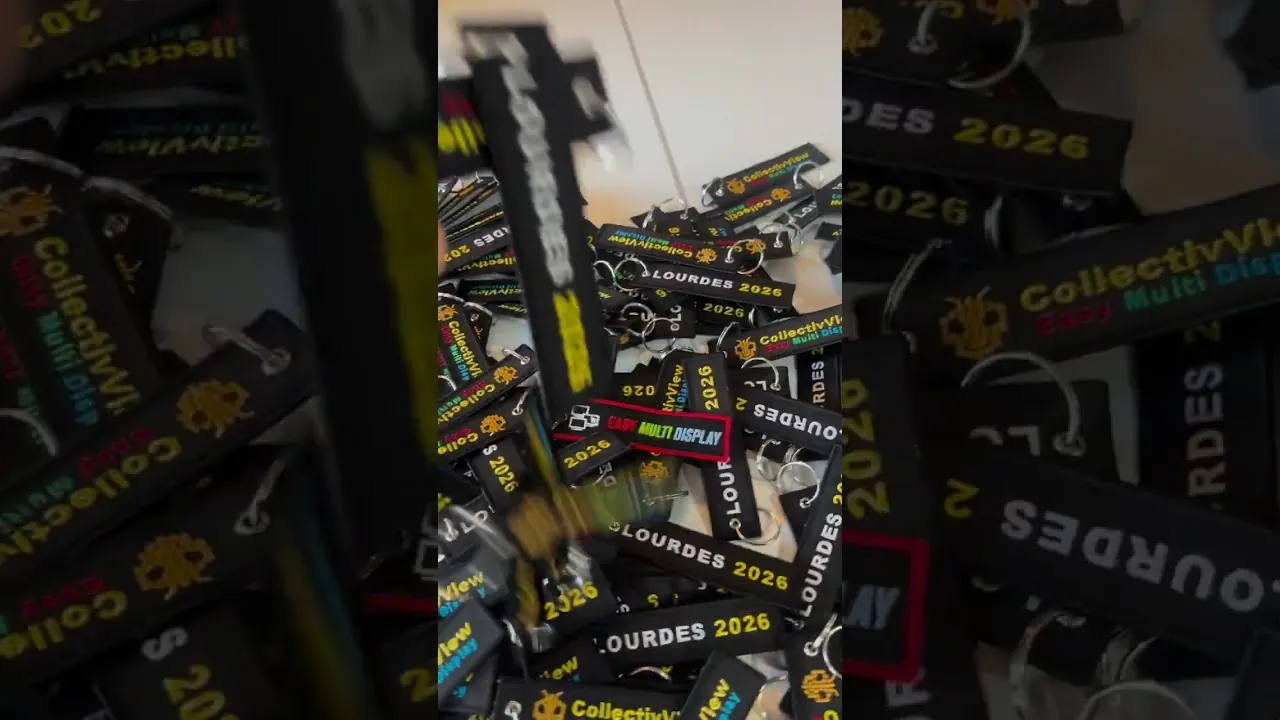
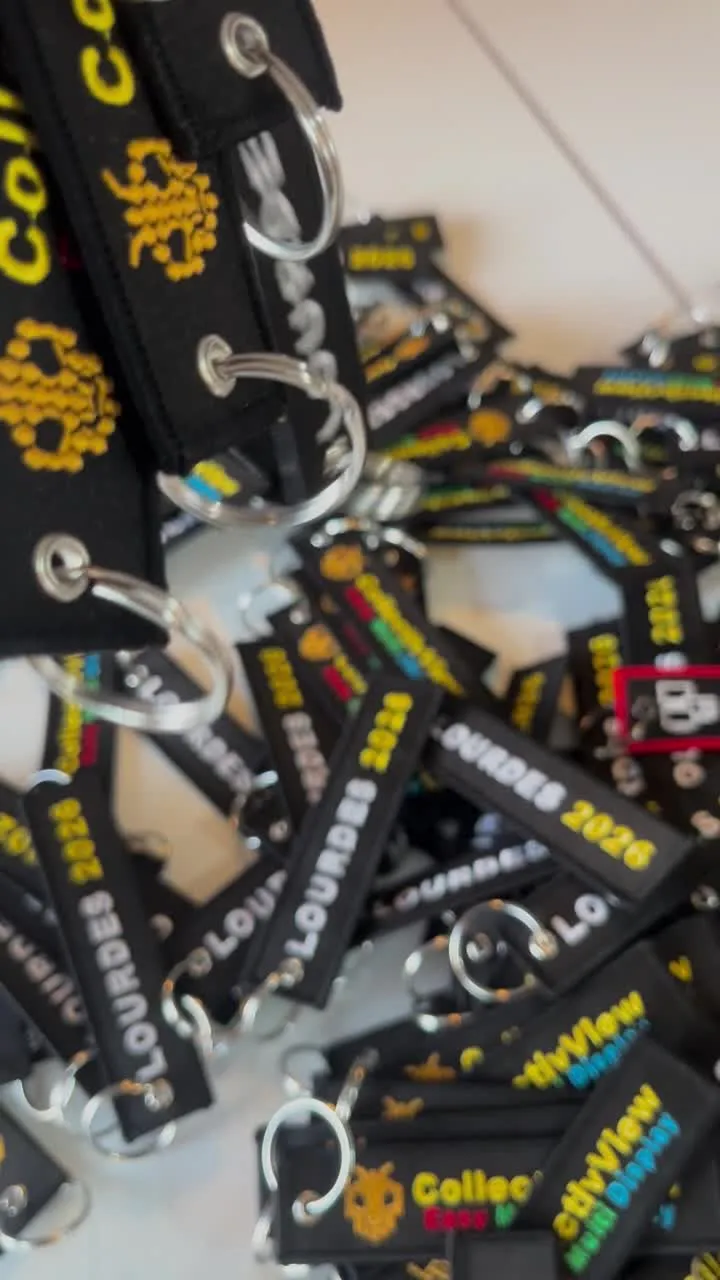
Dismantling starts the same day. Throughout the weekend, we handed out our embroidered “Lourdes 2026” keyrings to those who lived it alongside us. Even the prefect got one. A moment like this is lived together.
It is the most significant event of our journey. One does not take part in protecting a Pope every day.
What we deployed
More than 20 m² of display between the two, nearly 9 metres wide, divided into zones by entity. 65-inch televisions linked over HDMI, with no network connection at all.
One computer drove the control screen and both walls, each in ultra-high definition (4K). It had no Internet access. Next to it, a backup server ready to take over.
Driven at a fingertip. Each brought together up to 8 sources on its screen with our Multiprise HDMI.
Five to seven 65-inch screens repeated the picture from the walls. In a room this large, not everyone is facing the walls.
Two for us, to drive the walls. The third at the control desk, facing the room, for the services to change the display themselves.
Stage after stage, one zone of the wall displayed the time left before each milestone of the programme: the arrival, the Mass, the procession, the departure. In very large red figures.
A backup server for the control, television picked up by antenna if the online feed dropped, QuickShare installed in the room, which does not need the Internet. Everything was ready.
The room's own network and a control screen, brought together in one case.
Design, assembly, operation, dismantling. Three people for the build, then two in the room throughout the operation.
Two words come up often on this page. To capture a computer is to take the picture of its screen through its HDMI cable, without touching its network. A scenario is a saved layout of the wall, which you recall with one gesture.
The real need
It is the simplest lesson, and the most useful. Every service that sees the wall wants to bring its own picture. Between the request and the end of the operation, the need more than doubled: 18 computers shown, for a dozen entities.
8 → 18
captures requested, captures in service
Video 1 · The build
Two days after we arrived, everything was cabled, aligned and driven by touch. In theory, it needed four days. There were three of us. A tour of the site, cable by cable.
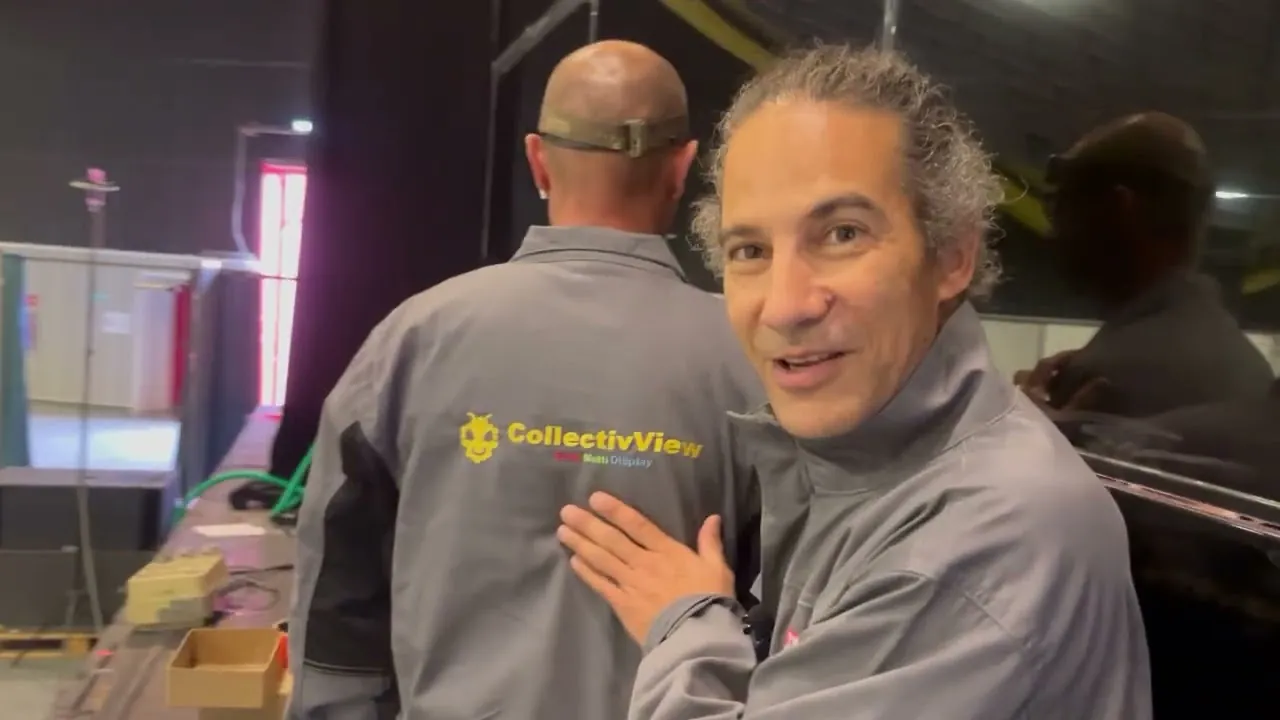
Video 2 · The walls
Two supports of 9 screens each, placed on the stage. Aluminium uprights, castors with brakes, and millimetre adjustment to align the screens. Kimex supplies the mounts, we bring the walls to life.
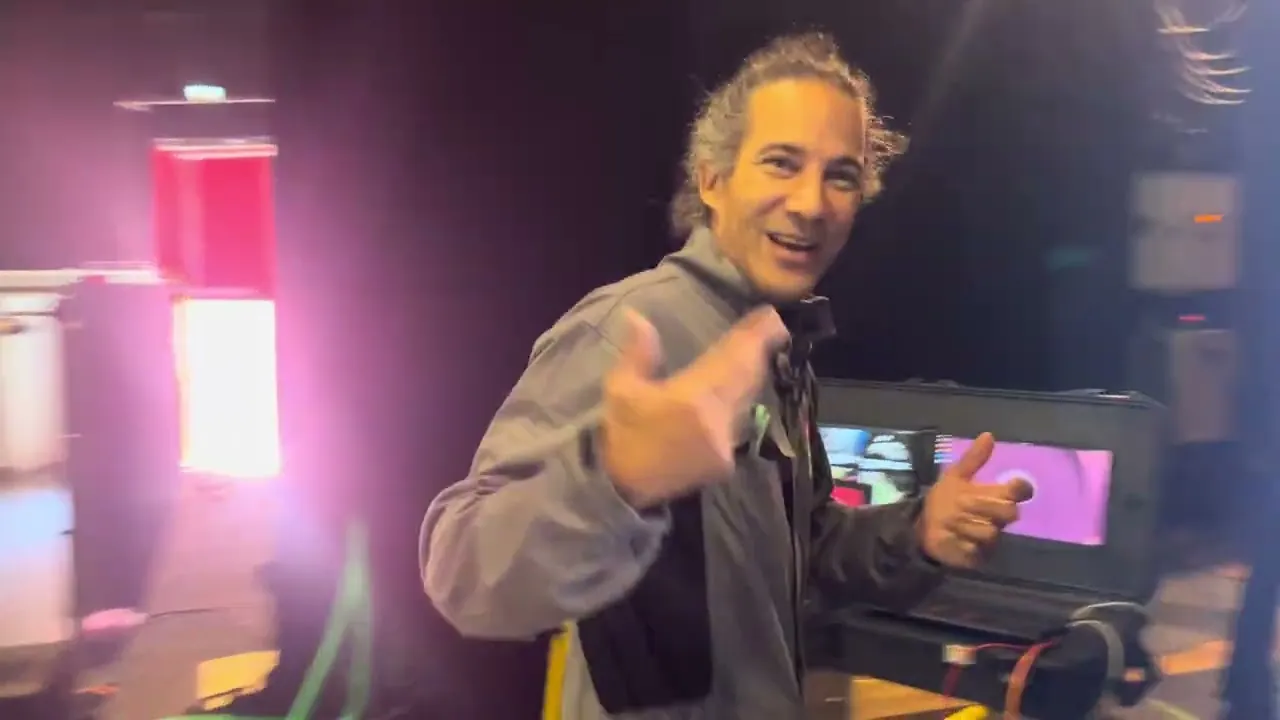
Video 3 · The controller
A wall of 9 screens, and a single HDMI cable coming in. The video wall controller spreads the picture. We set it to 3 × 3, live. After that, the software cuts this picture into zones, windows, sources.
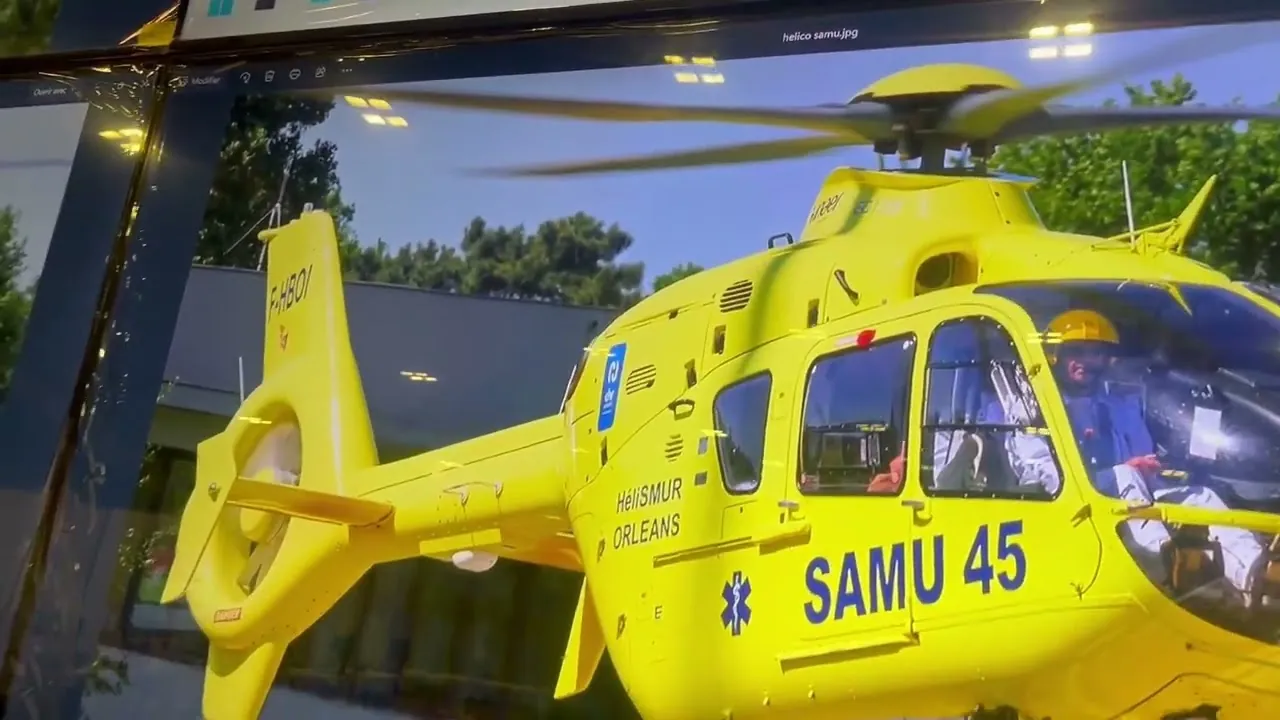
Video 4 · The satellite rooms
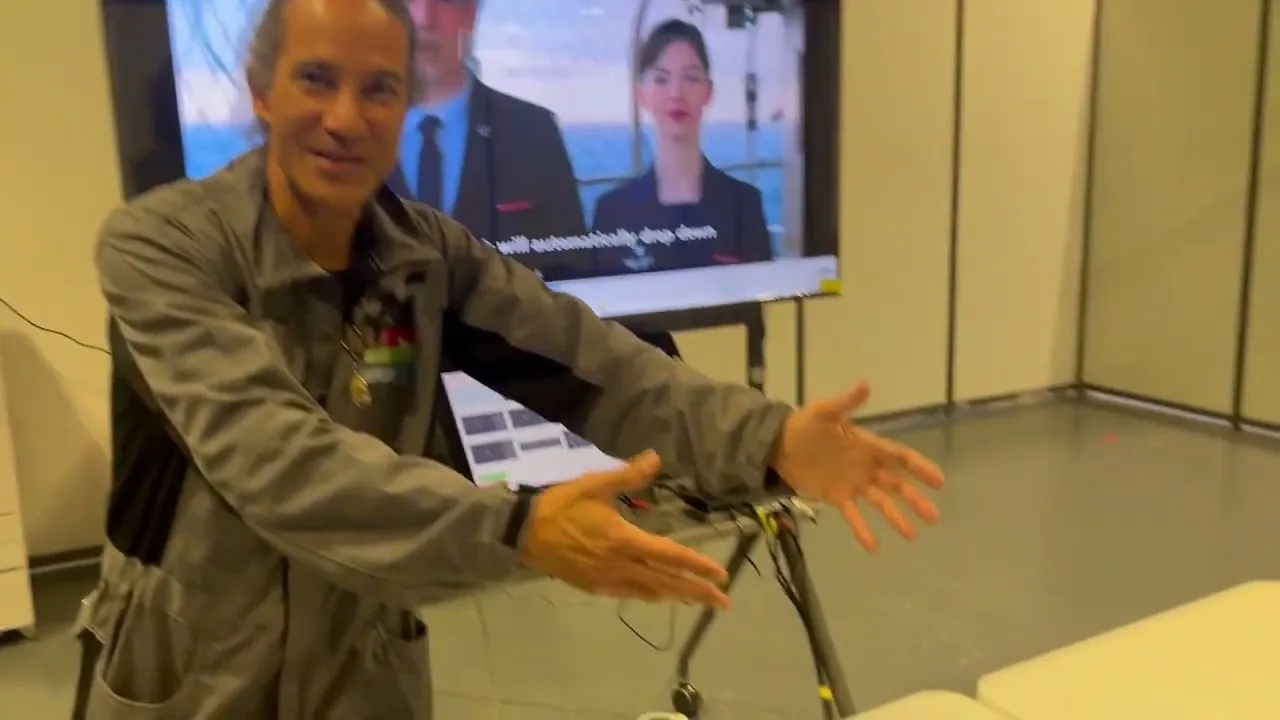
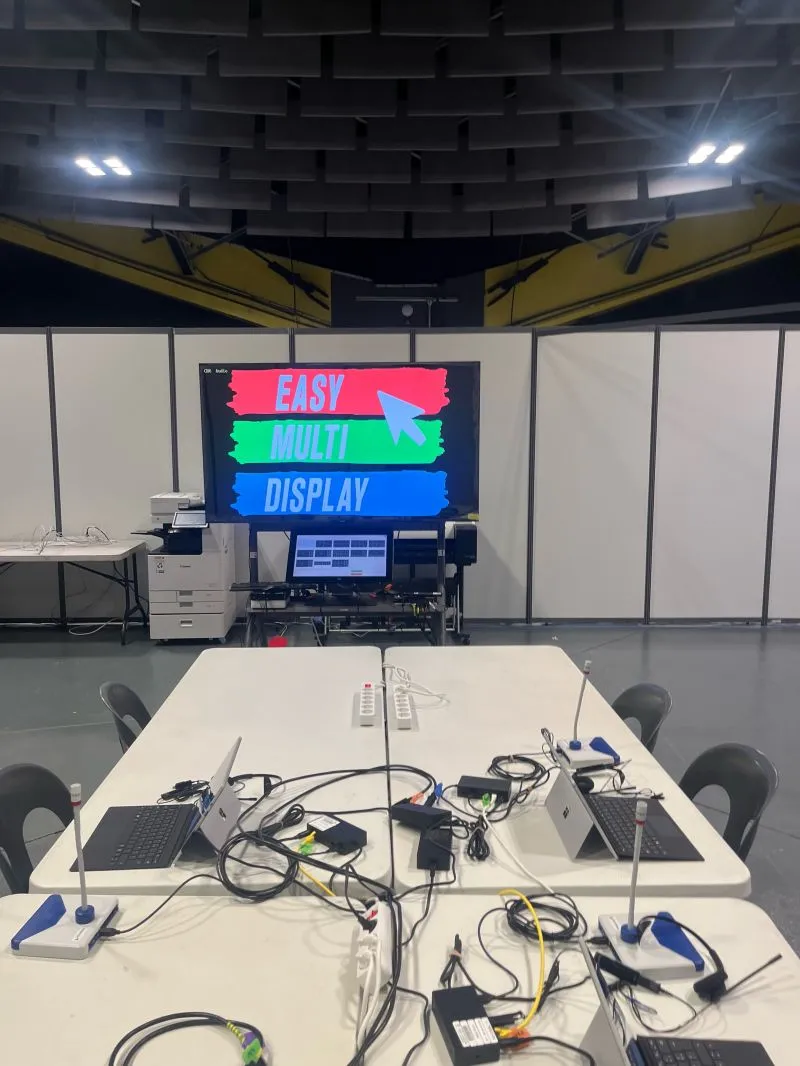
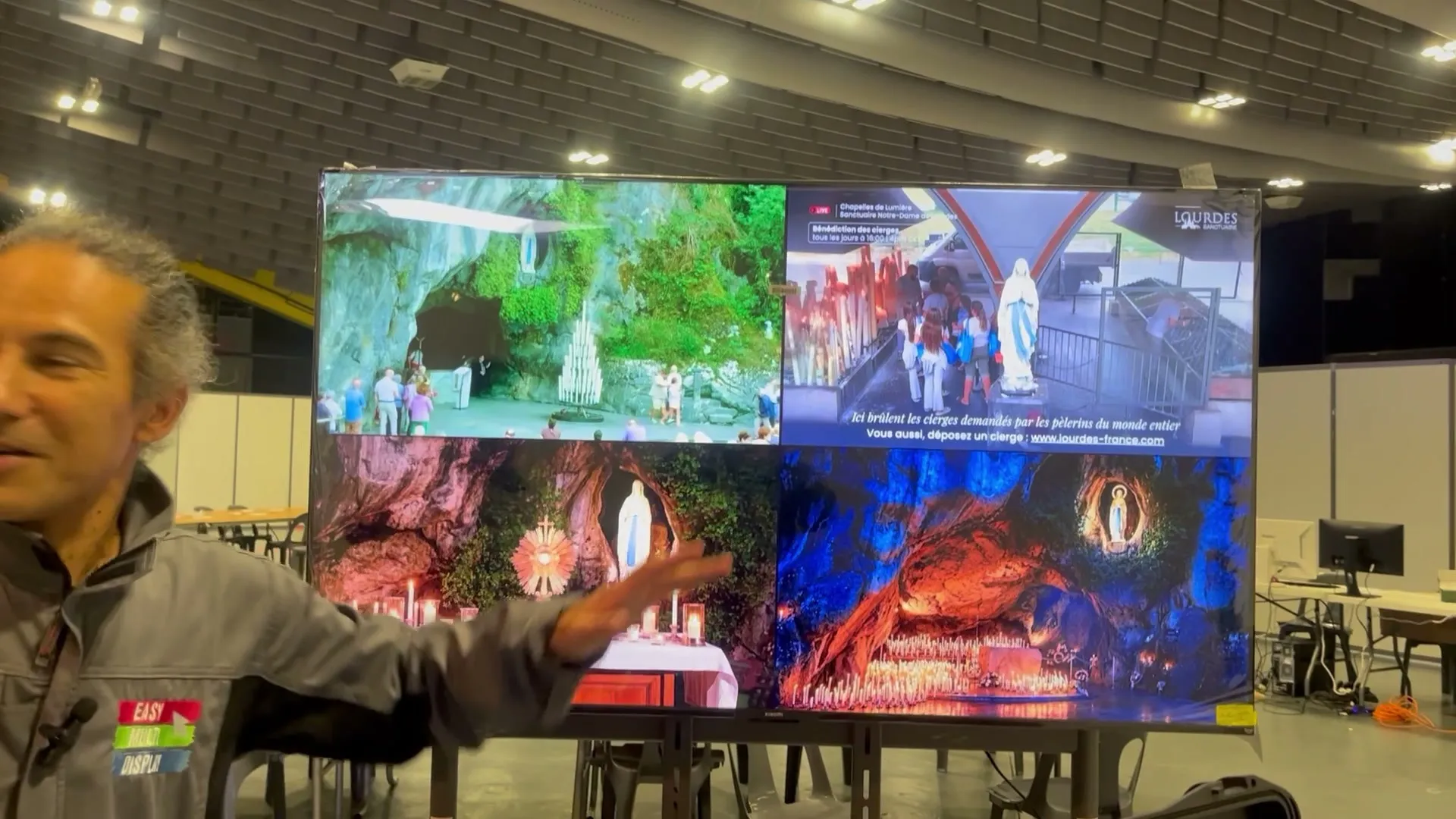
Around the main room, three satellite rooms, all equipped with our Multiprise HDMI. The one shown in the video was intended for the Police nationale: up to 8 computers on a single screen, and a touchscreen to choose what you look at.
The preparation
An event of this scale does not forgive improvisation. For more than two weeks, we prepared the setup, then ran it on the test workstation. Whole days, and nights.
It reproduced the layout approved by the authorities: one zone per entity, in the agreed place.
First tests on the test workstation: twelve simultaneous captures, in ultra-high definition.
A complete automatic check, and every source of every scenario verified. 28 sources that no longer responded were replaced.
Smoothness dropped after several scenario changes. The defect was found, measured, fixed.
Two walls, nine capture zones per wall, scenario changes in series, for 24 hours. No drift. The software version did not change afterwards.
One workstation on the room's network, a link, screen sharing, the picture on the wall. In real conditions.
A reading every thirty minutes, from late Saturday afternoon until Monday. No crash, and headroom on both the graphics card and the memory.
We prefer to show them. CollectivView is our most recent software, and the Lourdes room asked a lot of it: two walls, eighteen captures, scenarios following one another for two days. These fixes now benefit all our rooms.
Several of these defects only appear after hours of operation. A ten-minute demonstration would not have shown them.
Resilience
Maximum resilience: it is our motto. In a crisis room, you do not ask whether something will fail, you ask what to do when it happens. For every link that could fail, we had a backup on site, plugged in and tried out.
A backup server was installed next to it, ready to take over and resume the display of the walls.
A UHF antenna, a two-input tuner card and a TNT dongle (digital terrestrial TV): enough to pick up the channels by antenna, as at home, without depending on the Internet.
They join the room's network, over Wi-Fi or with our cable, open a link, click: their screen is on the wall. Nothing to install.
The computer that drove the walls had no Internet access anyway: the walls did not depend on it. Nor did QuickShare: it ran on our server, in the room.
None of these backups had to be used. All of them could have been. That is why they were there.
The hardest part
We prefer to tell everything. In a temporary room, the difficulty is not the video wall. It is at each workstation, around a simple HDMI cable. Nobody is at fault: in an operation, people have other things to do than adjust a screen.
In a temporary room, workstations move. People unplug to go to a meeting, plug back in on returning, and the picture disappears from the wall at the worst moment.
The simplest defect, and the most frequent. A plug only half in gives a black screen, or a picture that jumps.
The picture is on the wall, but it is the wrong one. Everyone needs help to bring their window to where the room has to see it.
In duplicate mode, the wall shows the whole screen of the workstation. In extended mode, it only shows the window placed on it. It is a setting that takes two minutes to show.
It took patience from us, and running everywhere, throughout the operation. It is the part of the job that no data sheet shows, and it is why a team is needed on site.
On the wall
Throughout the operation, one zone of the wall displayed a countdown before each stage of the programme: the arrival at the airport, the prayer at the grotto, the Mass, the meetings, the torchlight procession, the departure. Each stage had its deadline, large, in front of the room.
Public programme of the visit. Source, opened in a new tab: the official website of the journey.
Monday 28 September
On Monday, around 8 o'clock, our eyes were glued to the walls. We had to follow the convoy to the airport. The pictures relayed each other: sanctuary cameras, municipal police, Police nationale, Gendarmerie.
A Gendarmerie colonel, like a conductor, guided us to bring the services' pictures together in the same view. The decision-makers, gathered together, a finger pointing at a detail, discussed, then decided.
The walls were driven with CollectivView, our software for rooms where several services work in front of the same picture.
Discover CollectivView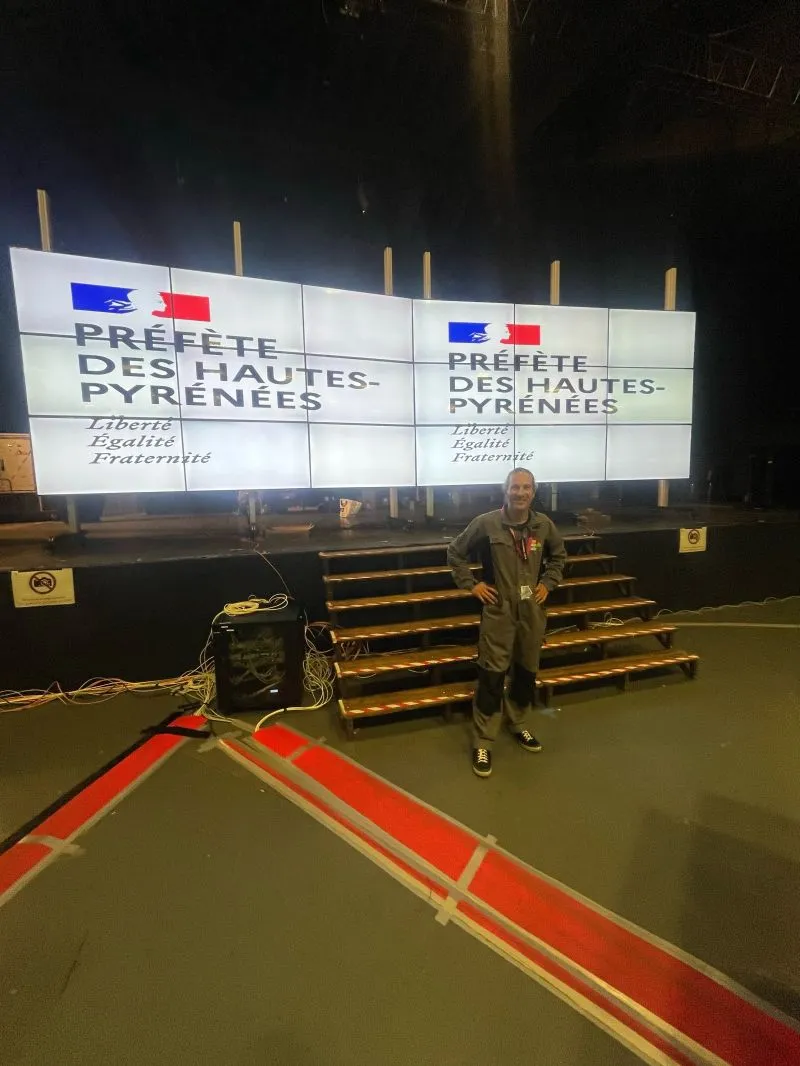
Video 5 · End of operation
On Monday morning, the convoy had left. The walls still displayed the colours of the prefecture and of the visit. Dismantling started the same day.
Two walls built in two days, more than 48 hours of service, and a hall handed back as we had found it.
Video 6 · The keepsake
Leo XIV is the third Pope to come to Lourdes. That deserved a keepsake. We had 200 “Lourdes 2026” keyrings embroidered, and we handed them out throughout the event, over a coffee, between two adjustments.
Everyone left with their own, right up to the prefect of Hautes-Pyrénées. We were delighted. In a room where everyone is serious and focused, a smile exchanged counts too.
Emotion, and a rigorous service: that is what we wanted to share with our companions on the adventure.
Confidentiality
In this room, we had in front of us the screens of services whose work concerns only them. Here is what that implies, and what we forbid ourselves.
An HDMI cable only carries the picture of a screen. It gives no access to the workstation, nor to its files, nor to its network.
CollectivView collected no photo and no video during the event. We kept nothing of what was displayed on the walls.
Photos were forbidden there. All the pictures on this page date from the build, the tests or the end of the operation.
Each service keeps its own information system. Nothing links them to each other, or to ours. And the computer that drove the walls had no Internet access.
The hardware
Everyday hardware, which you can find, replace and understand. Nothing that ties us to a single manufacturer.
| Item | What we installed | Key point |
|---|---|---|
| Screens | 18 televisions of 65 inches, 9 per wall | Linked over HDMI, with no network connection at all. Switched off with one gesture, not eighteen times. |
| Structure | Kimex mounts 3.80 m high, on castors with brakes | French brand, in Bordeaux. Millimetre adjustment. About 125 kg of structure, and about a hundred kilos of screens. |
| Video wall controller | 1 input, up to 16 outputs, set to 3 × 3 | It spreads one picture over the 9 screens. €150 to €200 depending on the seller. |
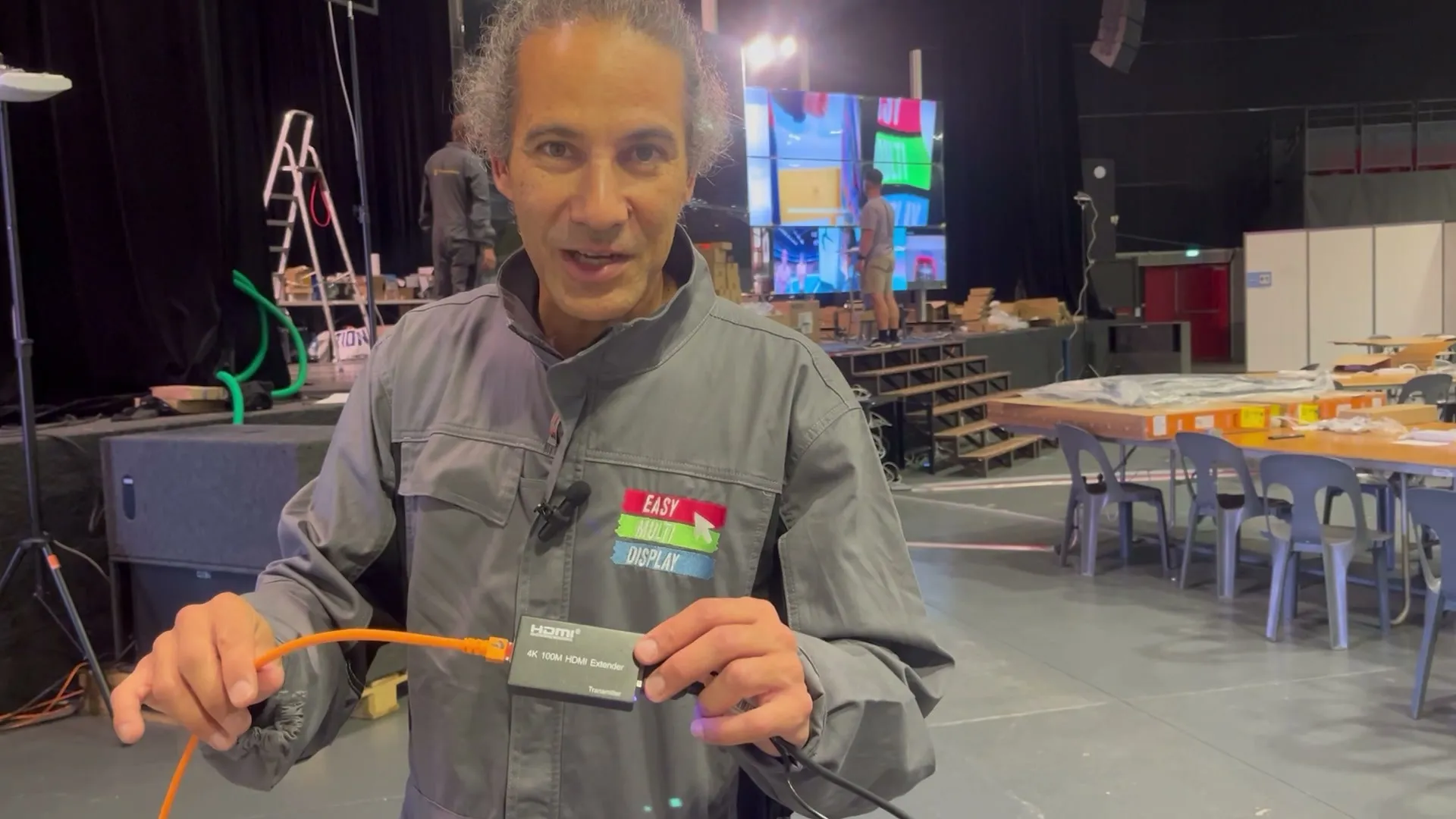
| Link to the walls | HDMI extenders over network cable | 100 metres claimed on the box, 50 metres in practice with a good category 6 cable. |
| Captures | HDMI capture boxes with 4 inputs | 18 computers shown. One source can feed several zones. |
| Control | One computer, two 4K outputs, three Elo touchscreens | CollectivView. Two touchscreens for the control, a third for the services to use. No Internet access. |
| Backup | A backup server, next to the control computer | Ready to take over. It did not have to be used. |
| Backup television | UHF antenna, two-input Hauppauge tuner card, TNT dongle | The channels picked up by antenna if the online feed dropped. It was not used, but it could have been. |
| Satellite rooms | Multiprise HDMI with 8 inputs and touchscreen | Up to 8 computers on one screen, from the single source to the mosaic of 8. |
| Mirror screens | 5 to 7 screens of 65 inches | The picture from the walls, repeated elsewhere in the room. |
| Room network | Our own router and a Linux server (Ubuntu) | QuickShare hosted in the room, over Wi-Fi or by cable. No need for the Internet. |
In pictures
None of these photos was taken during the event: in the room in service, photos were forbidden. They show the build, the tests and the end of the operation. And CollectivView recorded nothing: no photo, no video of what was displayed on the walls.





Lessons learned
From 8 captures requested to 18 in service. Every service that sees the wall wants to bring its own picture. You need a system where adding a source comes down to one cable.
Twelve entities means twelve information systems that must not connect to each other. You bring the pictures together on screen, never the networks.
A backup server, television by antenna, QuickShare in the room and its hosted version as reinforcement. None had to be used, all were ready. At the very worst, we still had a solution.
Several of the defects fixed only appear after hours of operation. It is the days of testing that brought them out.
The picture comes back on its own when a cable is plugged back in. But the software never restarts a source by itself, and never switches over without an order. In a crisis room, it is the human who decides.
More than 48 hours of continuous service, two of us, in relays. An event of this scale runs 24 hours a day: it must be planned for from the quotation.
From the smiles of our clients and of the participants, we want to believe that the service went beyond expectations. The strength of the collective.
Let's talk about your roomMany sell control rooms without ever having worked in one. We have worked every day, for six years, with control room managers and operators.
Few have run a room of this scale, in real conditions, for more than 48 hours. This experience now benefits every room we equip, from the smallest to the largest.
You are preparing an event
At Lourdes, the two 9-screen walls were built in two days instead of the four planned in theory, by a team of three people. The structures arrive on castors and are adjusted to the millimetre.
No, and that is the very principle of the setup. Each workstation gives its picture through an HDMI cable. Each service's information systems stay separate.
No. An HDMI cable only carries the picture. We see what you choose to display, we can neither control your computer nor read its files.
No. At Lourdes, CollectivView collected no photo and no video. Nothing that was displayed on the walls was kept.
Yes. At Lourdes, the request went from 8 to 18 captures. Adding a source means plugging in a cable and giving it a zone on the wall.
The walls, the control computer and QuickShare, installed in the room, do not need the Internet. And if it is the room's network that goes down, we switch to the version hosted in France, on the team's decision. For television, we had planned an antenna and tuners.
A backup server is installed next to it, ready to take over. At Lourdes, it never had to be used.
Yes: they join the room's network, open a link, click. Nothing to install, no account. If they cannot connect over Wi-Fi, we hand them a cable linked to our router. Use remains subject to each service's security rules.
We do, on site, day and night. At the control desk, a touchscreen facing the room also lets the services change the display themselves.
Almost nothing: plug in an HDMI cable, and choose between duplicating and extending their screen. It is this second setting that avoids showing on the wall what must stay confidential. We show it to everyone, on site.
One HDMI output, and one cable. Nothing to install on the computer, no network to share.
It has been our trade for six years: 28 SDIS (departmental fire and rescue services), SAMU, prefectures. Permanent or temporary room, the hardware and the method are the same.
Contact us
Easy Multi Display is a French company, based in Montpellier. Since 2020, we have designed, developed and installed video walls for crisis rooms ourselves: 28 SDIS, SAMU, prefectures.
Guy Condamine, managing director
+33 6 79 07 55 19
Acknowledgements
The teams of the prefecture of Hautes-Pyrénées showed remarkable professionalism.
A big thank you to Chrystel Abbadie and Maxime Dutrieux, of the prefecture's SIDSIC (departmental interministerial information and communication systems service), and to Patrice Cano, head of the information and communication systems department of the SDIS 65.
Thank you to Kimex for the quality of its mounts and for its follow-up.
Permanent or temporary control room: we design, we build, we stay at your side.